The JayTray is back – and it’s getting a fresh coat of paint.
If you’ve been here before, you’ll know the site has been quiet for a while. Life has a way of filling up with work, family, and everything in between, and blogging had to take a back seat for a bit.
But the itch to teach, create and explore never really goes away – it just waits for the right moment.
And that moment is now.
Over the last few years, something big has changed in the world of Excel, automation, and everyday problem-solving: AI is everywhere. Tasks that once needed long tutorials or clever formulas can now be handled with a single prompt. That’s brilliant… but it also means the old style of Excel posts isn’t as usefule as it used to be.
So, The JayTray is evolving.
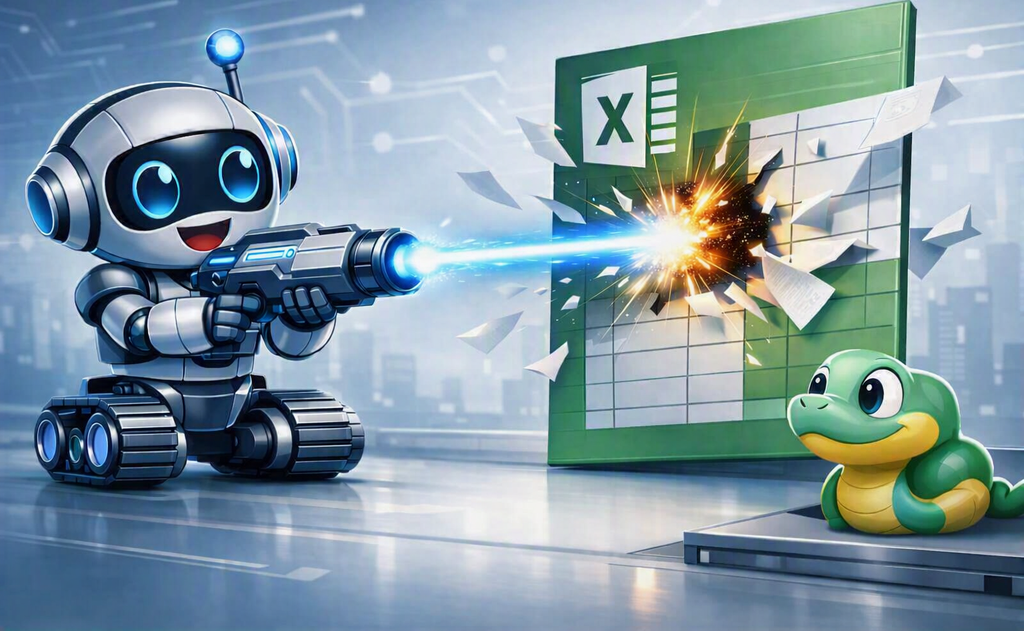
Why Python?
Python has exploded in popularity – not just among developers, but among people who never thought they’d touch a programming language. It’s flexible, powerful, and surprisingly friendly once you get past the initial “oh no code!” moment.
My goal is to remove that fear completely.
Starting with games
To make Python feel more approachable, the first posts will focus on building simple games – the same ones I’m teaching an 8-year old right now. Don’t let that fool you, the tools, logic and commands you’ll use in these games are the exact same ones you’ll use later for analysis, automation and real world tasks.
It’s learning without stress. Coding without intimidation. Python without the panic.
Where we’re going
Once the game series is underway, we’ll shift into practical Python for work:
- data analysis
- automation
- cleaning messy spreadsheets
- building small tools
- connecting Python with Excel
- and eventually, AI-powered workflows
The JayTray is becoming a place where coding feels fun, useful and achievable – no matter your background.
For these Python lessons, I will be working in Visual Studio Code, which is just the editor I personally prefer. You’re absolutely free to use whatever set-up you’re comfortable with – PyCharm, Anaconda, IDLE, Thonny or anything else.
My screenshots will come from VS Code, so your screen might not look identical. That’s totally fine! Python behaves the same no matter where you write it, so your code and results will match mine even if your editor looks different.
Welcome back! Let’s build something great together.